
Updated 1/2026
The internet has changed the way people discover services and products. For anyone who wants visibility, the main question is how to create a website yourself without paying high fees to developers. This phrase describes the process of choosing tools, picking a platform, shaping a design, and publishing content on your own terms. To create a website yourself means taking control of the full process instead of relying on agencies.
Why does this matter? Because a website is often the first impression a customer gets. A polished design builds trust, while a poor one pushes people away. Many hesitate, unsure whether to use a builder, a CMS, or hand coding. Others wonder if they should build your own website or just rent space on a platform. The truth is that different goals require different methods. That’s why it’s worth exploring every approach before starting. At the very end of this guide, you’ll find a checklist with key steps to help you put the tips into practice and launch your site faster.
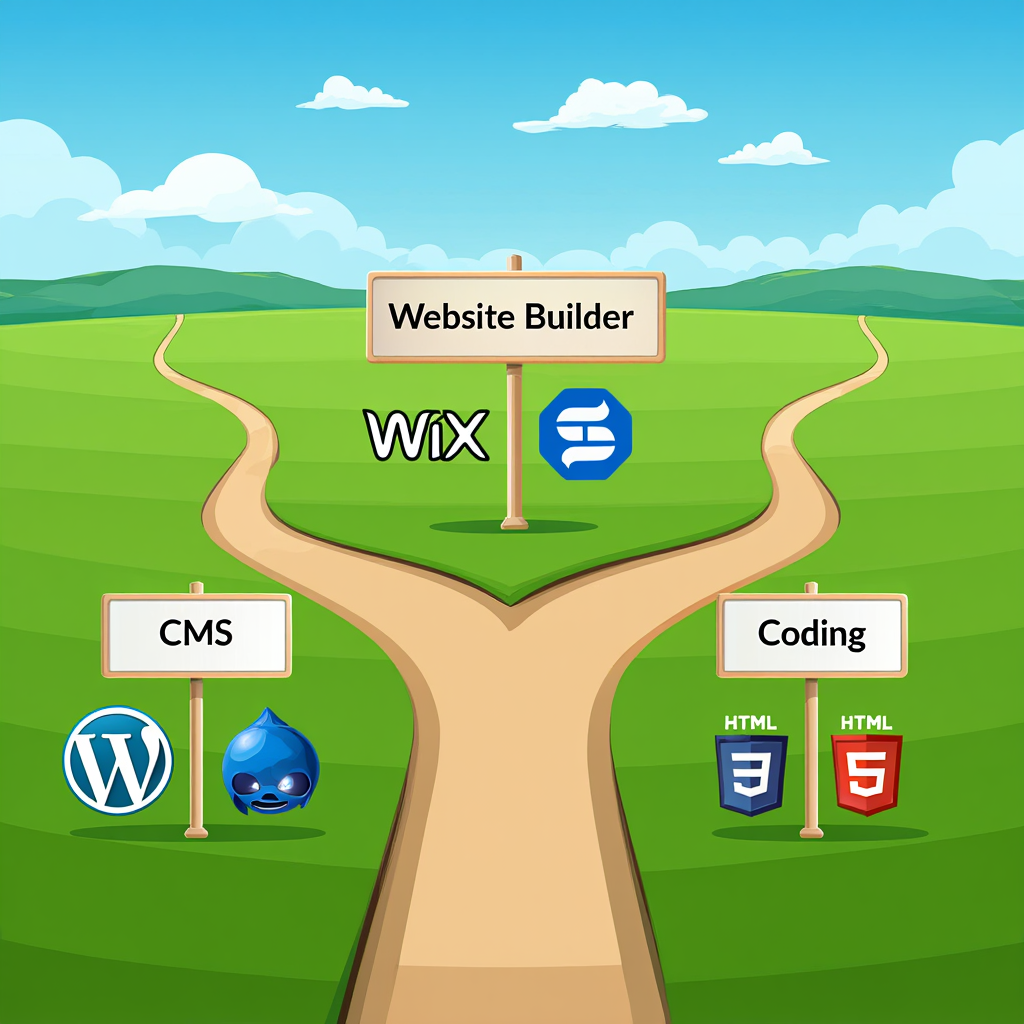
Which Is Easier: CMS, Builders, or Hand Coding
When choosing between a builder, a CMS, or hand coding, the biggest factor is the balance between effort and freedom. A website builder is quick and convenient, but it limits flexibility. A CMS is a middle ground that allows someone to create a website yourself with more features while keeping things manageable. Hand coding is the most advanced way, perfect for those ready to create your own website yourself with full control.
Three main routes
When someone wants to create a website yourself, three paths usually appear. Website builders like Wix or Squarespace focus on simplicity. A CMS such as WordPress or Joomla balances ease and flexibility. Hand coding means writing HTML, CSS, and JavaScript line by line. Each route leads to a working site, but the effort and results differ.
Side-by-side comparison
| Method | Difficulty | Flexibility | Cost | Best For |
|---|---|---|---|---|
| Website Builders | Low | Moderate | $0–$20/month | Beginners, blogs, portfolios |
| CMS (WordPress, Joomla) | Medium | High | Hosting + domain | Shops, businesses, organizations |
| Hand Coding | High | Maximum | Varies | Developers, unique projects |
This table shows why many start with builders. They make it possible to make your own website in a day. CMS tools, on the other hand, grow better over time and are often chosen for serious projects. Coding is for those who want mastery and originality.
Tips for selection
A student who wants to create your own website yourself for a portfolio might be fine with a builder. A shop owner planning to sell products should create a website yourself on WordPress for its plugins. Someone curious about technology will enjoy coding.
The conclusion is simple: there is no wrong answer. Every method can succeed if it matches the person’s objectives.
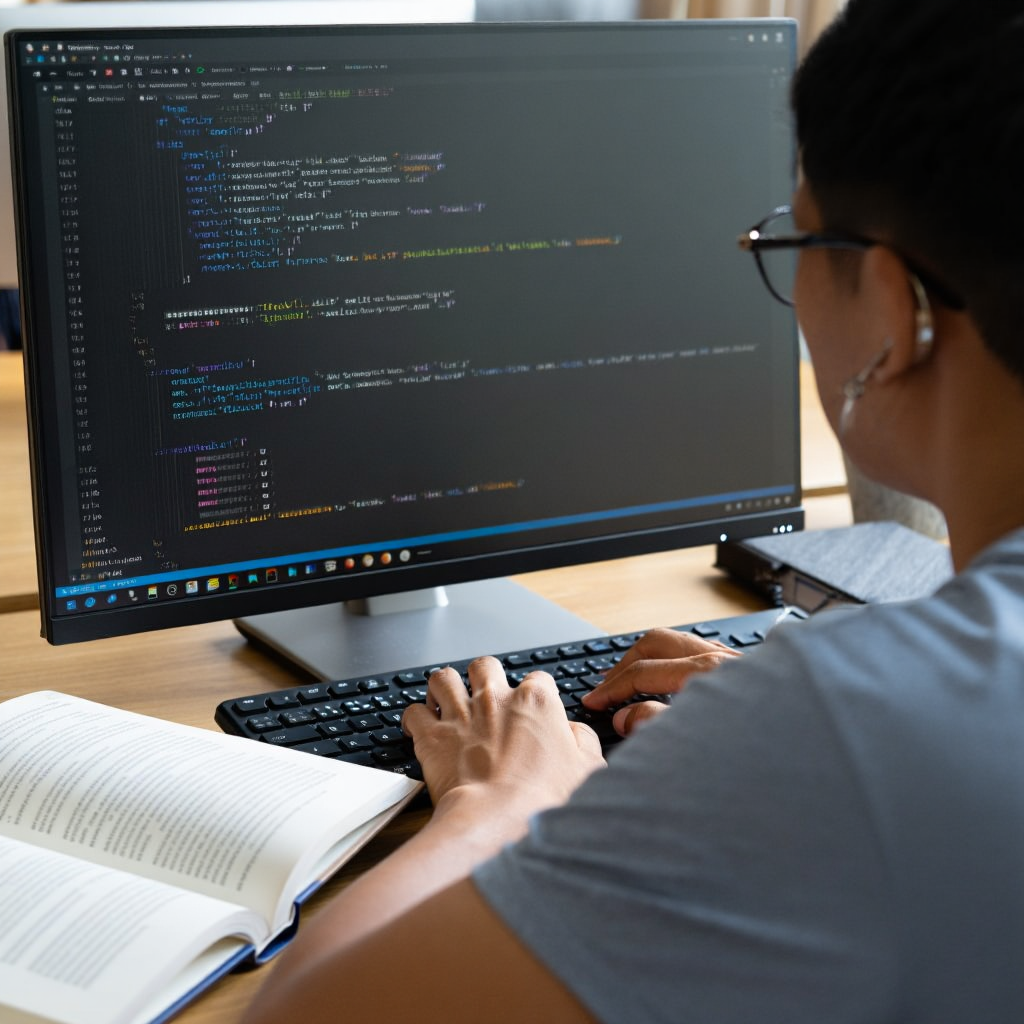
Creating a Website with HTML/CSS from Scratch
This approach is chosen by people who want to understand the fundamentals of the web. By practicing HTML and CSS, it becomes possible to create a website yourself without being dependent on templates or builders. It is harder, but the knowledge gained helps in all future projects. Many who wish to make your own website from scratch find it rewarding even if it takes longer.
Why bother with code
Some people still decide to learn how to create a website yourself from the ground up with code. Understanding HTML and CSS provides lasting value. It helps in editing templates later, fixing bugs, or adjusting layouts that builders cannot handle. Those who want to create a website yourself in a way that gives full independence often choose this route.
One Japanese research demonstrated the aesthetic–usability effect: visually pleasing pages are perceived as more intuitive even if their actual usability is equal (1995, Tokyo).
Rule 1: Aesthetic design strongly shapes how users judge usability and trust.
Basic process
The workflow starts with installing a text editor like Visual Studio Code. Next comes creating a folder with an HTML file that sets up the structure. A CSS file styles fonts, colors, and layout. JavaScript adds interactivity. At the end, the site is tested on different browsers. Anyone who wants to build your own website manually will go through these steps.
Here is a step-by-step instruction to create your own website yourself with code:
- Open your editor and create an
index.htmlfile. - Write the basic HTML structure:
<!DOCTYPE html><html><head>…</head><body>…</body></html>. - Add headings and paragraphs, then reference a separate
styles.cssfile. - In
styles.css, set fonts, colors, and layout rules. - Test the page in several browsers and adjust responsive styles.
To visualize these steps in action, check out this tutorial video that walks through building a simple webpage from scratch using HTML and CSS—it’s a great hands-on complement to get you started coding confidently.
Tools worth trying
- Visual Studio Code – free editor for writing code
- GitHub Pages – free hosting for small projects
- Bootstrap – framework that speeds up styling
- Figma – design tool for prototypes
These resources simplify the effort it takes to create your own website yourself with raw code. Beginners save time while still learning the essentials, including through structured web development courses
Common questions
People often ask if hand coding is outdated. It is not. Developers worldwide still use these skills daily. Others wonder how long it takes to make your own website this way. A basic landing page can be done in a week. A more advanced system with logins or payments can take months.
The reward is freedom. By writing code, one can design anything without waiting for plugin updates or template fixes. That’s why many still choose to create a website yourself through coding.
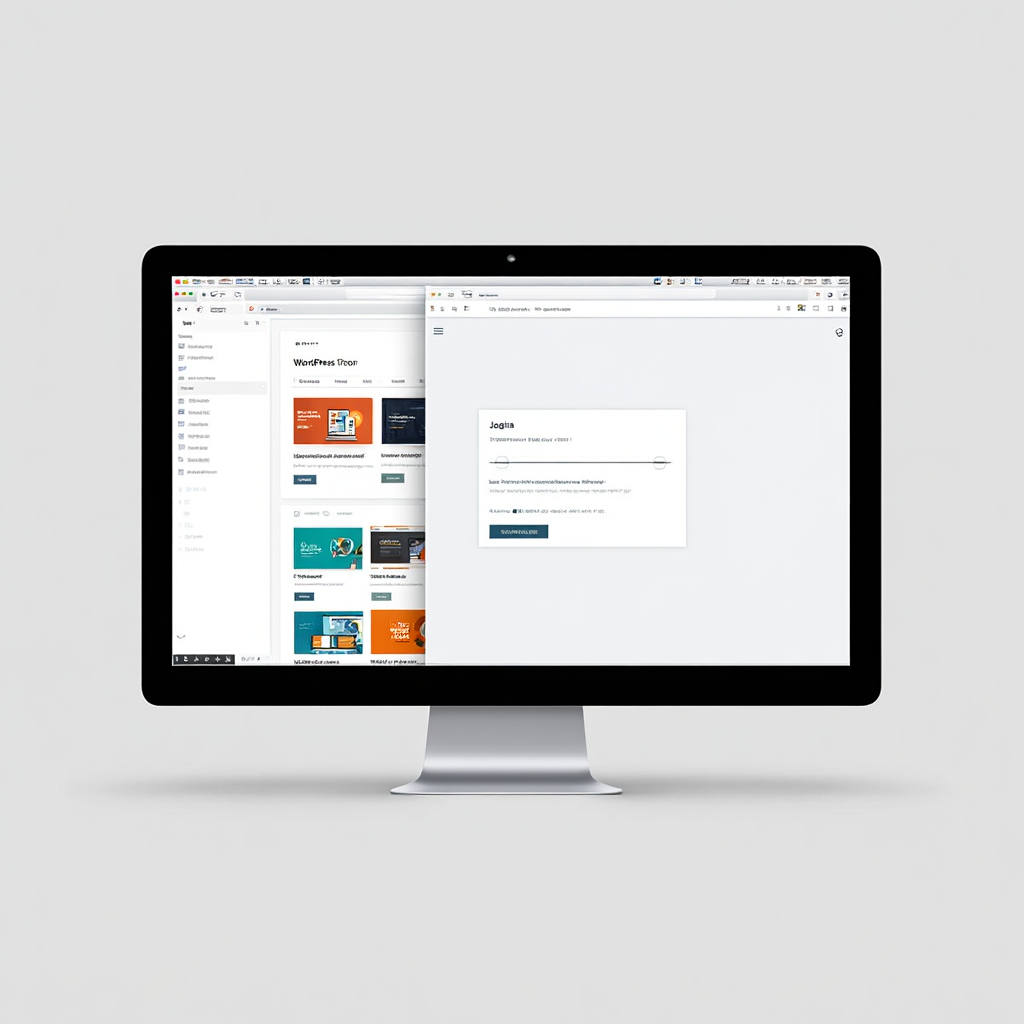
Working with WordPress and Joomla on Your Own
Content management systems are the most popular solution today. They combine ease of use with flexibility, letting users add blogs, shops, and portfolios without reinventing the wheel. Someone who wants to create a website yourself and still have room to expand usually chooses WordPress or Joomla. This method is less technical than hand coding but more customizable than builders.
Why CMS dominates
Most sites online today run on WordPress or similar platforms. People pick them when they want to create a website yourself that is both flexible and scalable. A CMS lets users add posts, upload images, manage products, and install extensions. The software is free, which makes it appealing for startups and freelancers. For those just starting out, exploring tailored resources can accelerate the learning curve.
The Stanford Web Credibility Project found that nearly half of users judge a site’s trustworthiness based on visual design alone (USA, 1998–2002).
Rule 2: Start small and evolve — simple setups are easier to manage, and upgrades can always come later.
Setup steps
The journey starts with registering a domain and paying for hosting. Then comes installing WordPress or Joomla. This usually takes one click in the hosting panel. Next, a theme is selected to shape the design. Plugins are added for SEO, payments, or forms. Finally, pages are filled with content. With this process, it’s possible to make your own website in a few weeks.
Comparing platforms
| Feature | WordPress | Joomla |
|---|---|---|
| Ease of Use | Very beginner-friendly | Requires more learning |
| Community | Huge | Moderate |
| Plugins | 60,000+ | About 8,000 |
| Best For | Blogs, stores, business sites | Forums, communities |
This comparison shows why WordPress has the largest share. But Joomla remains solid for projects that need community functions. Both platforms can help you create your own website yourself if you’re ready to learn.
For instance, in WordPress, popular plugins like WooCommerce turn your site into an online store, while Yoast SEO handles optimization. In Joomla, extensions such as Kunena add forum functionality, making it ideal for community-driven sites.
To help you choose the right hosting, here’s a quick comparison table of popular options:
| Provider | Price (starting/month) | CMS Support | Uptime Guarantee | Best For |
|---|---|---|---|---|
| Bluehost | $2.95 | WordPress optimized | 99.9% | Beginners |
| SiteGround | $3.99 | WordPress/Joomla | 99.99% | Performance-focused |
| Hostinger | $1.99 | All CMS | 99.9% | Budget users |
Practical tips
For a beginner, WordPress is the easiest way to build your own website with room to grow. It has endless tutorials and support groups. Joomla is better suited to webmasters who want detailed control. Security is often asked about. The answer: yes, CMS platforms are safe if updates are applied regularly.
Costs are another concern. While the CMS itself is free, hosting and premium themes can range from $50 to $150 per year. For that price, you can create a website yourself that looks professional and works reliably.
“A successful website does three things: It attracts the right kinds of visitors. Guides them to the main services or product you offer. Collect contact details for future ongoing relation.” — Mohamed Saad, web strategist
Avoiding Common Pitfalls
Beginners often forget to make sites responsive—use media queries in CSS to adapt layouts for mobile. Also, validate your code with tools like W3C Validator to catch errors early.
How Much Time and Effort Will It Take
Time is one of the most common concerns. Everyone wants to know how to create a website yourself without wasting months. Builders are fast, CMS platforms take moderate effort, and hand coding requires significant patience. Still, even the longest route pays off because it gives control. If the goal is to create your own website yourself, knowing what to expect helps reduce frustration.
Expected timelines
Many people want to know how to create a website yourself quickly. Timelines depend on the method:
- Builder: from one day to a week
- WordPress or Joomla: two to four weeks
- Coding: one to three months or longer
These estimates help set realistic expectations. A person planning to create your own website yourself should understand that complexity adds time.
The “Mobile vs. Desktop Usage Study” showed that in 2019, 58% of site visits came from mobile devices, proving that responsive design is no longer optional (USA, 2019, Statista).
Rule 3: Always match your chosen method with your long-term goals, balancing speed, flexibility, and resources.
Factors that change workload
Design, number of pages, integrations like payments, and available content all affect the schedule. Someone who wants to make your own website for blogging will finish sooner than someone building a full online store. Breaking down costs: A basic builder site might cost $100/year (domain + subscription), while a CMS setup could add $50-200 for premium plugins and themes, depending on complexity.
Ways to save time
- Start with a clear outline of pages
- Use a ready-made theme to avoid design delays
- Break the job into small phases
- Install plugins for automation, like SEO tools
With these steps, it’s possible to build your own website faster and with less stress.
Questions people ask
A common doubt is whether a beginner can manage alone. The answer is yes, especially if the goal is a simple site. Another question: will early mistakes cause problems later? Not really—websites can always be improved. Anyone determined to create a website yourself will find that practice solves most issues.
Patience matters most. Small, steady progress leads to results. After a few weeks, even a first-timer can proudly say they managed to make your own website without outside help.
“Responsive design is not about making your website fit on all devices, but rather about crafting experiences that respond to your users’ needs.” — Ethan Marcotte, web designer and author of “Responsive Web Design.
FAQ
How to create a website yourself without coding?
Builders like Wix or Squarespace let users drag and drop elements, making it possible to create a website yourself in hours.
Why is WordPress recommended for beginners?
It’s easier to use, has countless tutorials, and plugins for nearly everything. This makes it the most popular way to build your own website affordably.
What’s the cheapest way to make your own website?
WordPress with a free theme and budget hosting. Annual cost can be under $60, making it an easy way to create your own website yourself.
How secure is it to create a website yourself with a CMS?
Very secure if updates are done regularly. Security plugins and strong passwords add extra protection.
Is coding still worth it?
Yes. It’s the foundation of the web. Those who know HTML and CSS can create a website yourself that works exactly as imagined.
Can I build a website using AI tools only?
Yes. There are now AI-powered website creation tools that can draft a layout and suggest content based on your instructions. These tools are great for beginners and reduce setup time even further.
What’s the easiest way to update my website later?
Using a CMS like WordPress or a website builder typically provides a dashboard where you can edit text, upload images, and change layouts without technical skills.
How do I make sure my site works well on mobile devices?
Choose responsive templates and preview your site on phones and tablets before publishing. Most builders and CMS themes are responsive by default, but it’s always good to check manually.
This video demonstrates how to create a website yourself step by step — the perfect visual companion to our article. It helps you see every stage in action and get motivated for your own website journey.
The choices are wide open. A person can learn how to create a website yourself with a builder in a day, grow a business site with WordPress, or dive into coding for total control. The decision comes down to goals, budget, and patience.
What matters most is to start. Waiting for the perfect plan delays progress. Whether you want to make your own website for practice, to build your own website for business, or to create your own website yourself for personal branding, every option is valid. Within weeks, an idea can turn into a visible online presence.
Before wrapping up, it helps to have a short reminder of the most important steps. Theory is useful, but practice starts with a clear list. That’s why below you’ll find a checklist designed for anyone who wants to create a website yourself without losing focus. Keep it nearby while working, and mark off each step as you move forward.

Sources
- Aesthetic-Usability Effect (1995, Hitachi Design Center). Apparent Usability vs. Inherent Usability
- Web Credibility Project (2002, Stanford Persuasive Technology Lab). How Do People Evaluate a Web Site’s Credibility?
- Global Mobile Web Traffic (2019, Statista). Share of Mobile Website Traffic Worldwide
- Mohamed Saad (2024, Artstation). Inspirational Design Quotes
- Ethan Marcotte (2010, A List Apart). Responsive Web Design
- WordPress Plugins Count (2025, WordPress.org). WordPress Plugin Directory
- Joomla Extensions Count (2023, Joomla.org). Joomla Extensions Directory