
Updated 1/2026
Many people today want to know how to quickly create a website without going through months of learning. The term means launching a functioning site in a short time by using tools that remove most of the technical work. It is about following a direct plan: hosting, structure, content, and launch. A working site is possible in 24 hours when the steps are clear and realistic. Specialists agree that the most common mistake is overthinking, while the winning strategy is starting simple and improving later. Read the article until the end — you’ll find a detailed step-by-step PDF guide that shows how to create a website in one day. It’s a ready-to-use action plan that you can follow right after reading.
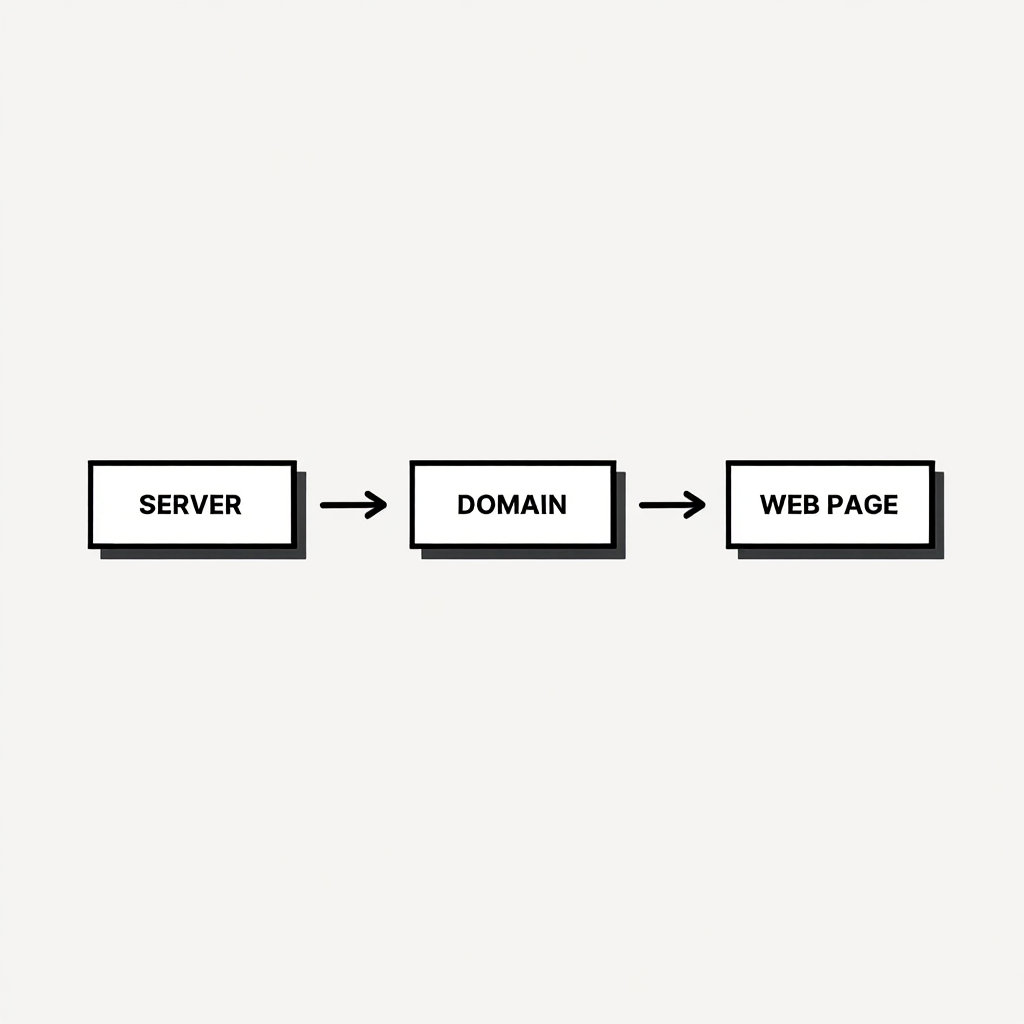
Preparation: Hosting, Template, Structure
This section establishes why laying groundwork speeds everything up. Anyone curious about how to quickly create a website should start with hosting, design, and structure. Skipping this stage leads to wasted time and endless edits. By setting a clear framework first, the next steps move twice as fast.
Why early planning matters
Every project begins with choices that impact speed. Without hosting and a ready template, the process becomes frustrating. When people search online for how to quickly make a website, most tutorials point to hosting and design as the first move. Good preparation prevents mistakes that would later require rework.
Hosting and template choice
The right provider can save hours. Services such as Bluehost, SiteGround, or Hostinger allow one-click setups and come with support. Themes should be light, clean, and mobile-friendly. A beginner asking how to quickly build your own website often finds success with templates that don’t need heavy customization.
| Hosting Provider | One-Click Setup | Price (Starting) | Support Quality |
|---|---|---|---|
| Bluehost | Yes | $2.95/mo | 24/7 Chat |
| SiteGround | Yes | $3.99/mo | Expert Support |
| Hostinger | Yes | $1.99/mo | Live Chat |
Choose based on your budget and needs for quick launch.
Building a clear structure
A homepage, an about page, services or portfolio, a blog, and contact details cover most needs. This structure suits freelancers, businesses, or personal blogs, and if you want a more detailed explanation, check out these beginner website setup tips.
Quick tips for a smooth start
- Register a domain early and connect it to hosting
- Pick a template with minimal setup required
- Decide which pages will stay static and which need regular updates
- Use a clean design to reduce clutter
Rule: Keep the foundation simple to move faster.
A clear plan means less stress later. For anyone aiming to quickly create your own website, this step ensures a solid launchpad.
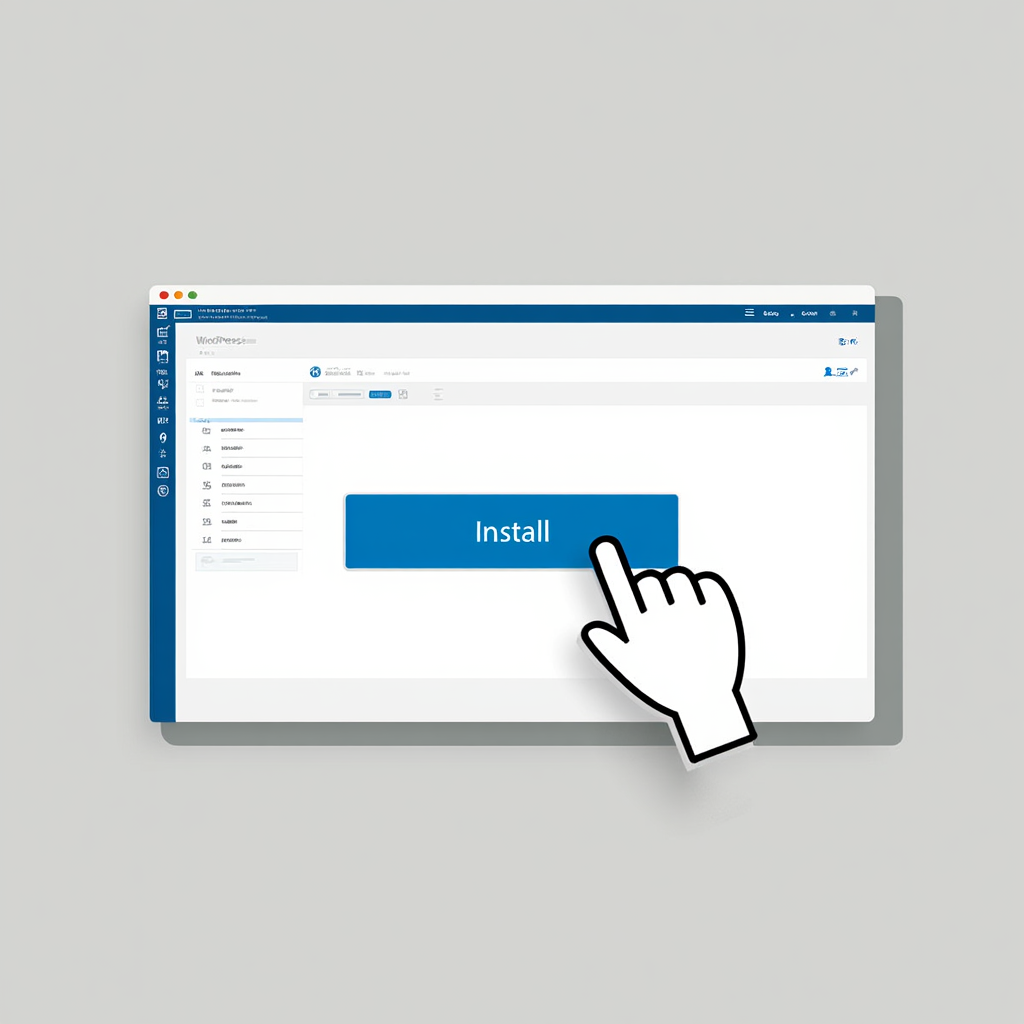
Installing a CMS and Basic Settings
This part shows why using a content system lets non-coders move fast. Most beginners who wonder how to quickly create a website choose a CMS because it removes technical barriers. Among all options, WordPress is the fastest and most popular. With the right setup, a working base is ready within an hour.
Why CMS is the easiest way
A CMS handles design, structure, and content without coding. WordPress powers over 40% of the web and about 68.7% of all websites now use a CMS (diviflash.com, codexpert.io). Alternatives like Joomla or Drupal exist but require more effort. For anyone exploring how to quickly make a website, WordPress is the shortcut to results.
Fast Website Builders as Alternatives to WordPress
While WordPress is one of the fastest and most flexible ways to build a website, it is not the only option available. If your goal is speed and simplicity, website builders can be a great alternative. Website builders allow you to create a site using drag-and-drop tools without dealing with hosting settings, plugins, or technical configuration.
- Wix — best for beginners who want a quick setup with minimal technical effort.
- Squarespace — ideal for portfolios, small businesses, and visually polished websites.
- Tilda — popular for landing pages and content-focused websites with clean design.
Main steps to configure
(Instruction starts here)
- Install WordPress through hosting control panel
- Log in and set the site name and description
- Adjust language, time zone, and permalinks
- Pick a starter theme that matches your goal
- Add plugins for SEO, speed, and security
This easy path helps understand how to easily create a website in under an hour.
Essential plugins
- RankMath or Yoast for search optimization
- WP Super Cache for loading speed
- UpdraftPlus for backups
- Elementor for drag-and-drop editing
These tools answer how to quickly build your own website while keeping everything user-friendly.
Benefits of CMS setup
Installing a CMS means the site is functional immediately. You don’t need coding or design knowledge. Updates and customization happen with clicks, not scripts. Anyone who wants to quickly make a website can have it running in hours. Plus, a study shows well-implemented SEO tactics improve loading speed and user engagement(ResearchGate, 2024).
Rule: Launch quickly, improve later — progress beats perfection.
Follow this step-by-step walkthrough to set up your CMS quickly.
Fast Layout and Content Addition
Here, we ensure the site looks alive fast. People searching how to quickly create a website usually want visible progress instantly. Modern builders make this possible via drag-and-drop tools. Plus, an Indonesian study confirmed that better usability and mobile optimization boost customer satisfaction and conversions (August 2024, Indonesia).

Why speed is key here
The first impression depends on visuals and text. Visitors judge within seconds, so layout and content must be ready before launch. When learning how to quickly build your own website, focusing on essentials avoids delays. Adding only what matters most creates a clean and trustworthy result. A controlled study found that mobile users become frustrated when delays exceed 7–10 seconds (2021, mobile search).
Content types to prepare
- Homepage with a short call to action
- About section with personal or company story
- Portfolio or service page with examples
- Blog section for updates and SEO
- Contact page with form or email address
Anyone who asks how to easily create a website can start with these five sections and expand later.
Table of comparison of editors
| Editor | Best For | Ease of Use | Speed | Flexibility |
|---|---|---|---|---|
| Elementor | Small business | Very easy | High | High |
| Gutenberg | Simple blogs | Easy | Medium | Medium |
| Divi | Designers | Medium | High | Very High |
For someone aiming to quickly make a website, these editors help deliver results in hours instead of days.
Adding media and visuals
Images improve trust and keep readers engaged. Use free libraries like Unsplash or Pexels but compress files for faster loading. A page-speed case study showed a 3-second delay may raise bounce rate by 32% (sitebuilderreport, 2025). Well-placed visuals make a big difference in perceived quality.
Rule: Test thoroughly before launch — delay kills trust.
Fast editing, prepared text, and light images bring a site to life. With layout complete and content added, the project is nearly ready to launch.
How to Test and Launch
Now it’s time for final polish before going live. A site may appear fine on desktop but fail on mobile. People asking how to quickly create a website need to test performance and mobile readiness. A few checks now prevent unhappy visitors later.
Why testing matters
Errors frustrate users and damage trust. Mobile checks, speed tests, and broken links are critical. A study of page speed showed that a 1-second delay cuts conversions by 7%; more than 3 s leads to 53% of mobile users abandoning the page (2024). Testing ensures a smooth launch.
Checklist before launch
- Test the site on phone, tablet, and desktop
- Check speed with Google PageSpeed or similar tools
- Verify forms, buttons, and links work
- Ensure SSL certificate is active
- Confirm pages open without errors
This checklist helps anyone asking how to easily create a website to avoid common launch issues.
Common Pitfalls to Avoid During Testing
- Broken links: Use tools like Screaming Frog to scan your site.
- Slow loading on mobile: Compress images further if PageSpeed scores below 80.
- Form failures: Test submissions to ensure emails arrive. Addressing these early prevents user frustration and boosts trust.
Final tweaks
Small details matter. Add a favicon, meta descriptions, and a sitemap. Enhance share previews and site icons.
“The number one purpose of a website is to initially draw engagement from prospective new clients,” said Justin Page Wood, interior design expert (JPW Design Studio).
Those who want to quickly build your own website should not skip lingering finishing touches.
What to do after publishing
A site is never finished. Add weekly posts, monitor traffic with Google Analytics, and update plugins regularly. A research piece shows that optimizing SEO and performance boosts user engagement long-term (ResearchGate, 2024). Anyone focused on quickly make a website must plan for upkeep too.
Testing and launch complete the journey. After these steps, the website is live and ready. To build skills beyond the basics, consider structured learning paths that enhance your efficiency.
Long-Term SEO Tips
Start with keyword research using tools like Google Keyword Planner. Update content monthly to maintain rankings. Monitor engagement metrics to refine your strategy.
FAQ
How to quickly create a website without coding?
Use WordPress with a drag-and-drop builder. It gives full control without technical skills.
Why is hosting important when trying to quickly make a website?
Reliable hosting prevents downtime and ensures fast loading. A poor provider delays everything.
What’s better: free template or paid theme when you quickly build your own website?
Free themes are sufficient for a starter. Paid options matter later when adding features.
How to easily create a website that looks professional?
Keep fonts clean, use quality images, and avoid clutter. A polished look comes from clarity.
Can I create a website quickly without using WordPress?
Yes. Website builders such as Wix, Squarespace, and Tilda allow you to create and publish a website in a few hours without dealing with hosting configuration or plugins.
Before the conclusion, take a look at this video—it demonstrates clearly how to build a website in one day. It gives you a real-life feel for how to quickly create a website.
Conclusion
The full process of how to quickly create a website can be completed in one day. Preparation with hosting and structure gives direction. A CMS setup creates the base. Adding content and design makes the site professional. Testing ensures visitors enjoy a smooth experience. Anyone who follows these steps can quickly build your own website without coding knowledge. The site may start simple, but it will be online and ready to grow. The key is to launch first and improve step by step.
To make the process easier and stay on track, download the ready-to-use PDF checklist with step-by-step actions. It allows you to tick off completed tasks and add your own notes directly in the table. This way, you can launch your website in a single day without chaos or missed steps.

Sources
- WordPress Market Share (2024, W3Techs).
- CMS Market Share (2024, Codexpert).
- How SEO Makes Website Loads Faster and Helps in User Engagement (2024, ResearchGate).
- Impact of Response Latency on User Behaviour in Mobile Web Search (2021, arXiv).
- Website Speed Statistics (2025, Site Builder Report).
- Mobile site load time statistics (2024, Think with Google).
- The Effectiveness Of Search Engine Optimization (SEO) In Marketing: A Meta-Anlysis Study (2024, ResearchGate).
- 7 Expert Tips for Building the Ultimate Interior Design Website (2023, Architectural Digest).