
Updated 1/2026
In today’s world, many people wonder how to create a website for business, personal branding, or creative projects. This term means the process of building an online space where visitors can find information, shop, or view work. Business owners use it to reach customers, while artists and freelancers showcase portfolios.
Making a site might look overwhelming at first, but once the basics are clear, the path gets much easier. Understanding the role of a domain, hosting, and platform helps avoid major mistakes. Breaking it into steps allows anyone to move from an idea to a fully functional resource. That’s why this guide focuses on clear directions and practical choices. At the end of this article, you can also download a free PDF guide with all the steps summarized.

What You Need to Start: Platform, Domain, Hosting
Every online project begins with three essentials: a platform to manage content, a unique name, and a server to store everything. Without these pieces, nothing can go live. Beginners often jump straight into design, but the real foundation starts here.
Why these three elements matter
A platform acts as the engine running the site. It could be a simple builder or a full CMS. The domain is the address typed into the browser. Hosting is the home where all files, images, and databases stay. Skipping careful planning here leads to headaches later.
“The choice of hosting is critical—poor performance can kill user trust faster than bad design.” — Said by Suzanne Scacca, Senior Content Strategist at Kinsta (web hosting expert, author of numerous articles on performance optimization).
According to a study, 84% of small businesses using multiple technology platforms saw increased profits, highlighting the impact of reliable hosting on success (2022, U.S. Chamber of Commerce). This shows that the invisible technical side matters just as much as visible design.

How to set things up step by step
- Decide on the purpose of the website.
- Pick the right builder or CMS.
- Register a domain that matches the brand or topic.
- Choose hosting based on expected traffic and growth.
Experts often warn against cutting corners on hosting. A cheap, overloaded server causes downtime and slows performance. Reliable providers offer solid support, daily backups, and stronger protection.
Common questions come up often. Why avoid free domains? They look unprofessional and damage trust. What type of hosting is best? Shared hosting works fine at first, but growing traffic usually requires VPS or a dedicated plan. When beginners try to website create yourself without proper hosting, they often face downtime and slow loading, which discourages visitors. If you’re exploring free options before committing to paid tools, consider where to start without any upfront costs.
Never choose free domains if you want long-term credibility.
In short, these decisions shape the backbone of your project and determine how smoothly you can create a website yourself later on.
What Type of Website to Choose: Blog, Store, Portfolio
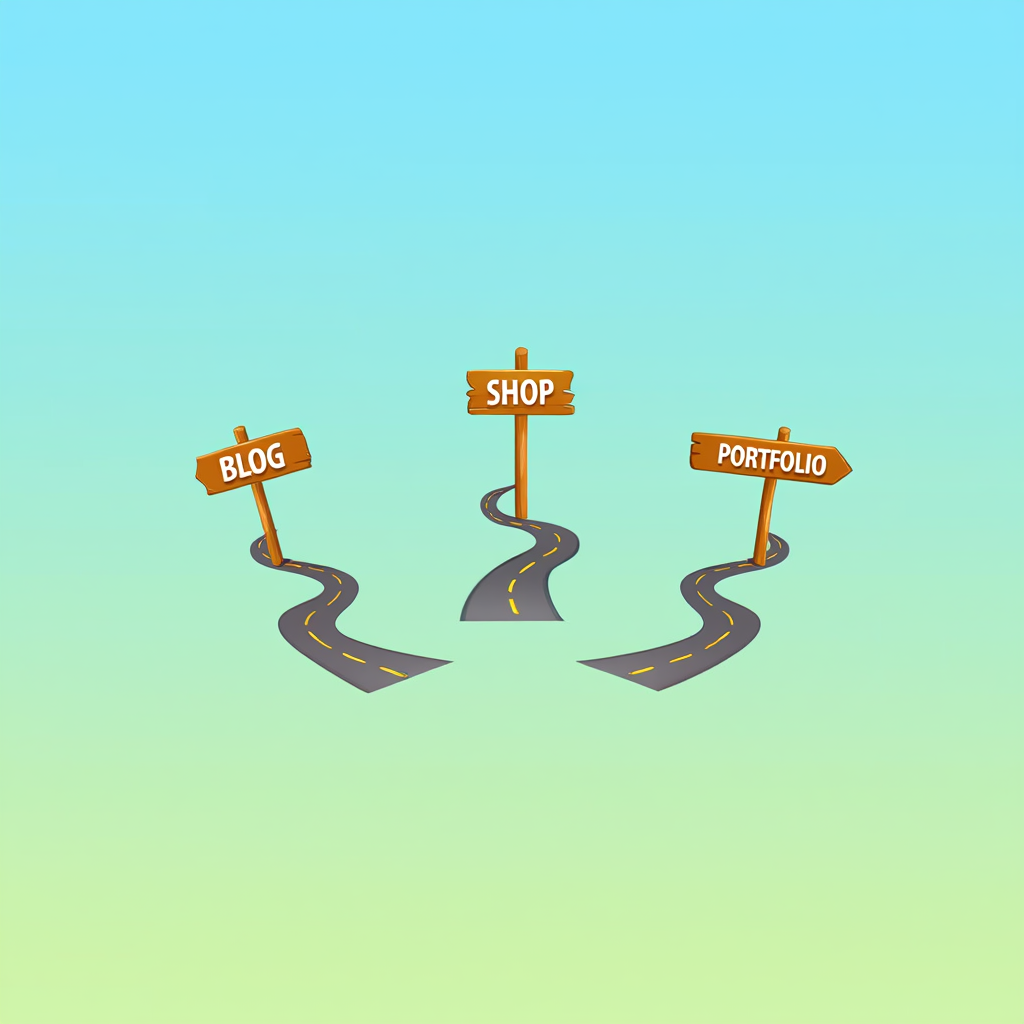
Before thinking about design, it’s important to decide on the type of project. Knowing whether it’s a blog, online shop, or portfolio helps answer the question of how to create a website yourself more effectively. Each format serves a different audience and purpose.
The main options explained
- Blog — a platform for publishing articles and updates.
- Store — a digital catalog with checkout and payment systems.
- Portfolio — a showcase of work and personal style.
A study revealed that articles with images get 94% more views than those without, emphasizing the role of clear structure in engagement (2019, HubSpot). This proves the structure chosen at the start has a strong impact on results.
Tips for picking the right format
A blog requires an easy publishing system. A store demands reliable payment gateways and product management. A portfolio should focus on clean visuals with minimal distraction. Choosing the wrong structure wastes time and makes the project harder to scale.
“Keep your site structure intuitive—simplicity drives better user retention.” — Said by Rand Fishkin, Founder of Moz (SEO expert, co-founder of SparkToro, influential in digital marketing).
Beginners often ask: what’s the best starting point? Many experts suggest a blog or portfolio first. They are simpler to maintain and teach valuable lessons that can later be applied to a store. If the goal is to website create yourself without advanced skills, a personal blog or portfolio is the safest way to start.
Choose the type of site based on goals, not trends.
The bottom line: clarity about your goals prevents confusion and ensures you can confidently build a website yourself that fits your vision.
Tools to Launch: From Builder to CMS
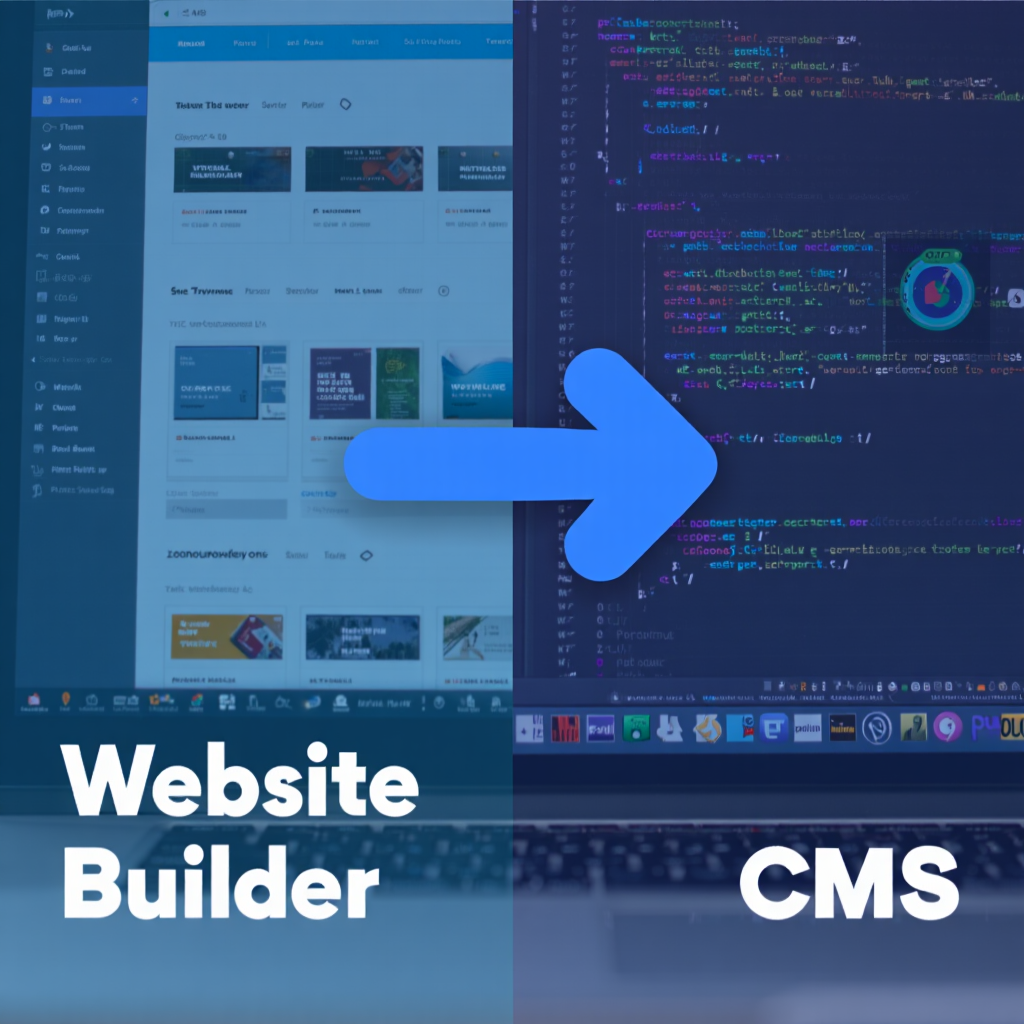
Once the purpose is clear, the next choice is between a website builder and a content management system. Both can answer the question of how to create a website from scratch, but in very different ways. Builders prioritize simplicity, while CMS platforms focus on flexibility.
Comparing the main solutions
| Option | Strengths | Weaknesses | Best For | Examples |
|---|---|---|---|---|
| Website Builder | Easy setup, quick results, templates | Limited features, tied to one service | Beginners, hobby projects | Wix, Squarespace |
| CMS (WordPress, Joomla) | Customizable, plugins, control | Needs hosting, requires setup | Businesses, blogs, stores | WordPress, Joomla |
| Frameworks | Maximum control, unique design | Very complex, time-consuming | Developers, advanced users | React, Angular |
Research found that 74% of small businesses using technology platforms reported faster growth, showing the scalability of CMS (2022, U.S. Chamber of Commerce). This shows scalability is not just theory but a proven advantage.
Step-by-step instructions for WordPress setup
Before starting, know that WordPress is the most popular CMS worldwide. The following sequence helps anyone handle the first launch.
- Purchase hosting with one-click WordPress installation.
- Register your domain and link it to the hosting account.
- Run the WordPress installer through your hosting panel.
- Choose a theme that matches your niche.
- Install essential plugins: SEO, security, backups.
- Create core pages: Home, About, Contact, Blog.
- Adjust site settings for readability and navigation.
“Plugins should enhance, not complicate—choose wisely to maintain site health.” — Said by Chris Lema, VP of Product at Liquid Web (WordPress expert, speaker at WordCamps, consultant on CMS optimization).
Which is better for testing an idea? Builders shine for quick launches. Which works better for scaling? CMS platforms are the clear winner. Many users ask if it’s possible to create a website yourself without coding. The answer is yes — especially with builders or WordPress themes designed for non-programmers. Some people also wonder if it is realistic to website create yourself on a CMS, and the truth is that modern interfaces make this process surprisingly simple.
For a hands-on look at setting up a CMS like WordPress, check out this beginner-friendly tutorial that guides you through installation and customization step by step.
Start small but use tools that allow growth.
In short, tools matter because they define how much control you have and how far you can take the project once it grows. That’s why planning this step carefully makes it easier to create a website yourself without frustration.
Beginner Mistakes and How to Avoid Them
Many first-timers try to rush the process and overlook essential details. This often leads to problems that could have been prevented. Thinking through potential pitfalls ahead of time is a key part of learning how to create a website effectively.
Common missteps to watch for:
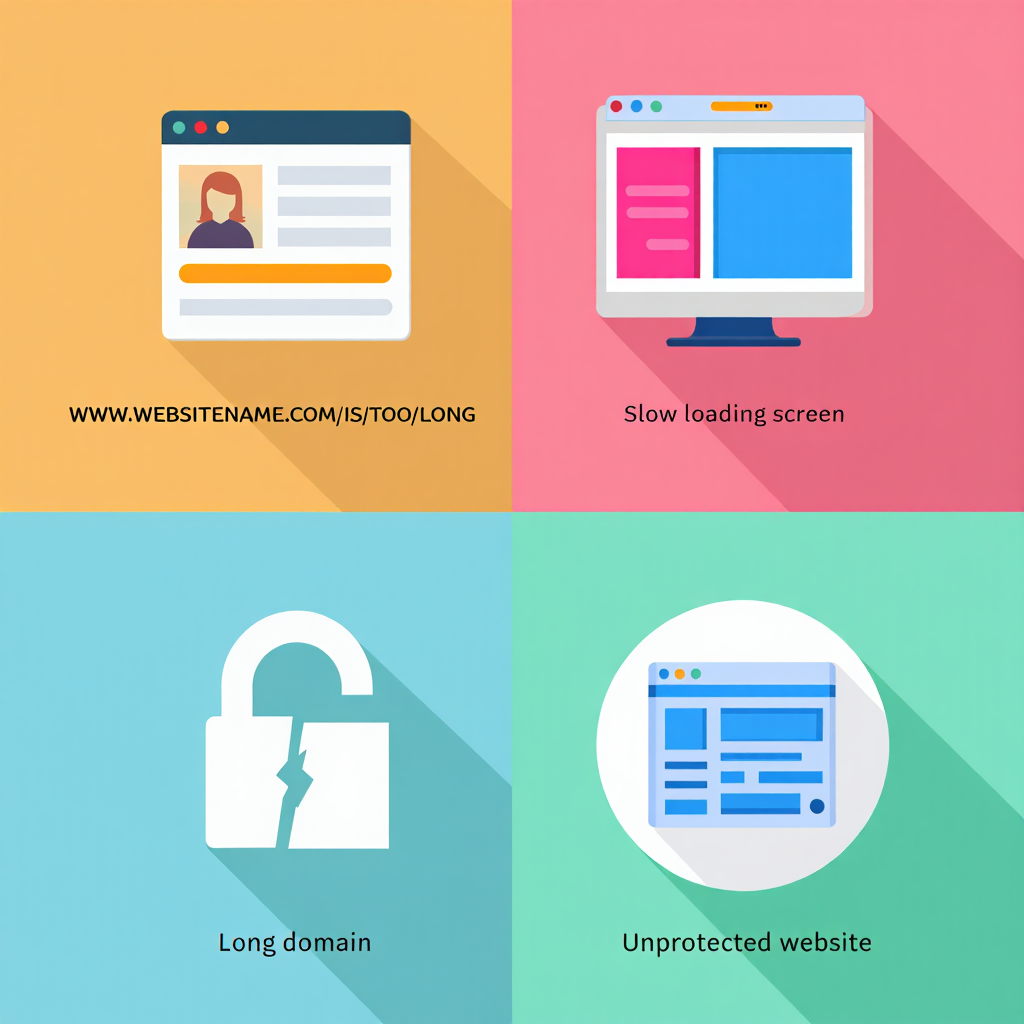
- Choosing long or confusing domain names.
- Ignoring mobile responsiveness.
- Skipping security plugins or SSL certificates.
- Forgetting to back up regularly.
Best practices for avoiding trouble
Keep names short and easy to remember. Test every page on both desktop and mobile. Always install updates for themes and plugins. Use analytics tools to see what’s working and what’s not.
Why do sites sometimes fail to rank well? Slow servers, duplicate pages, or poor on-page optimization are frequent causes. Fixing these issues early keeps the project moving forward. Anyone trying to website create yourself for the first time should pay attention to speed, mobile performance, and security from day one.
Pro Tip in a Frame: Backups are not optional — they save projects from complete loss.
By steering clear of beginner mistakes, anyone can confidently build a website yourself and maintain it without unnecessary stress.
FAQ
How to create a website for free?
While free builders are tempting, consider upgrading early for custom domains and ad-free experience. For example, start with a basic plan under $10/month to gain professional features without breaking the bank.
Why should analytics be connected from day one?
Tracking visits, clicks, and user behavior helps improve content, boost conversions, and understand what attracts an audience.
What’s better: builder or CMS?
Builders are great for fast results, while CMS platforms win in flexibility. For business and stores, CMS is usually the stronger choice.
How to create a website yourself without hiring a developer?
Free builders exist, but they limit features and show ads. For readers exploring the best free website options in 2025, check this guide on where and how to create a website for free. For a professional project, a small investment in hosting and a domain pays off quickly.
Here’s a great video that walks through how to create a website step by step—from concept to launch. It beautifully complements the guide and is perfect for seeing the process in action.
By now, the path is clear for anyone asking how to create a website without prior experience. The process starts with picking the right platform, domain, and hosting. Next, the type of site determines structure and goals. Tools like builders or CMS give the power to design and expand. Avoiding common mistakes ensures long-term stability.
Step by step, it’s possible to move from nothing to a polished online presence. Anyone motivated to learn can build a website yourself with patience and consistent effort. The best way to start is simply to begin today — experience comes with practice, and the result can be a powerful tool for work, creativity, or business growth.
To make things easier, all the main points, rules, and steps from this guide are collected in a clear and practical PDF brochure. It includes highlights, framed rules, and structured advice you can keep at hand while working on your project.

Sources
- 2022, U.S. Chamber of Commerce. Technology Engagement Report
- 2019, HubSpot. Not Another State of Marketing Report
- Suzanne Scacca, 2023, Kinsta Blog. Website Performance Optimization
- Rand Fishkin, 2021, SparkToro Blog. Site Structure Best Practices
- Chris Lema, 2024, Liquid Web Blog. WordPress Plugins Guide