Updated 1/2026
Sometimes it seems that launching your own project on the Internet requires money, specialists, and a lot of time. But in reality, it’s much simpler. Today, anyone can understand where to create a website and do it without investments. Even if you’ve never worked with code, that’s not an obstacle. You just need to choose the right platform. In literally one evening, you can assemble a working page and start sharing your ideas, products, or services. Especially now, when there are so many convenient tools.
Creating a website has become as common as creating a social media account. The difference is that your own site belongs to you completely, without algorithms restricting reach or external rules changing unexpectedly. That’s why learning how to create your own website in 2026 is a valuable skill both for personal branding and for small businesses. Read to the end — you’ll find a handy PDF brochure you can save and use as a cheat sheet.
Platforms Without Investment: Pros and Cons
Before diving into specific builders, it’s important to consider the general landscape. Free website platforms differ in stability, customization options, and reliability. Understanding these differences helps you decide where you can create a website that truly meets your needs.
The digital world has changed. You no longer need to pay to test yourself online. There are many intuitive site builders. The main question is: where to create a website that looks professional, works smoothly, and doesn’t crash under traffic spikes?
- What limitations do the platforms have?
- What do they include in the basic free plan?
- How do they handle increased traffic load?
According to a 2023 U.S. Chamber of Commerce report, 87% of small businesses reported increased efficiency due to technology platforms, including free website builders (2023, U.S. Chamber of Commerce).
Rule 1: Always treat your free site as a prototype, but design it with the mindset of growth.
If you’re new to coding, exploring web development for beginners can bridge the gap between free builders and custom sites.
What to Consider Before Choosing
Any decision begins with clarifying expectations. Once you know your goals, you can decide where you can make a website that matches your ambitions. For a detailed breakdown of every possible approach, see this comprehensive guide to making a website yourself.
Key limitations and details
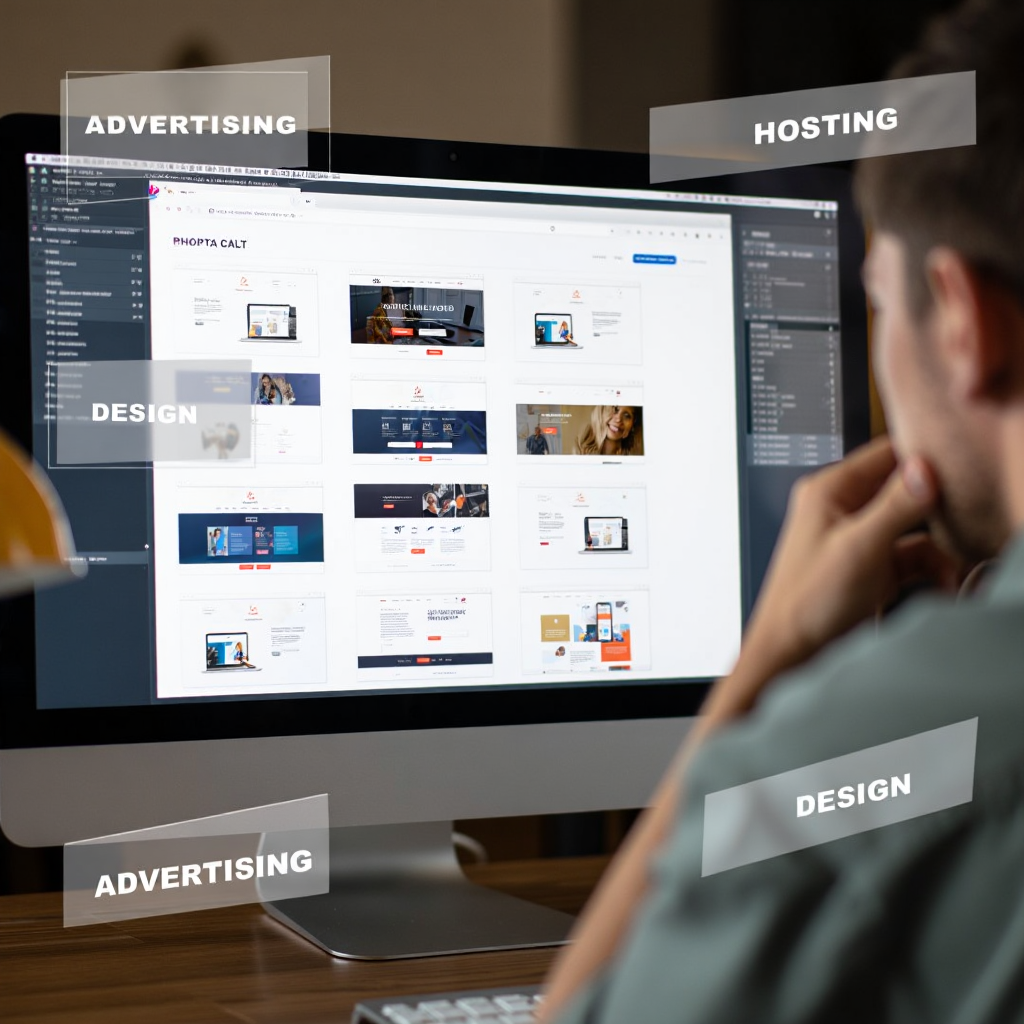
First, the free tier almost always comes with advertising. It may appear at the bottom of the page or require you to use a subdomain. That’s not critical for testing ideas, but it’s a disadvantage for a serious project.
Second, hosting space is usually limited. If you plan to upload many images or videos, the storage may quickly run out. Imagine choosing where you can make a website for a food blog filled with photos—it will hit storage limits fast.
Third, template choices can be modest, especially on platforms where the free plan serves mainly as a teaser. Still, free tariffs are a great way to practice, learn mechanics, and compare options before making a commitment.
“I strive for two things in design: simplicity and clarity. Great design is born of those two things.” Said by Lindon Leader, graphic designer and creator of famous logos like FedEx, who emphasizes user-focused design principles.
Rule 2: The best free website is the one that clearly communicates value, not the one with the fanciest template.

Top-3 Free Website Builders
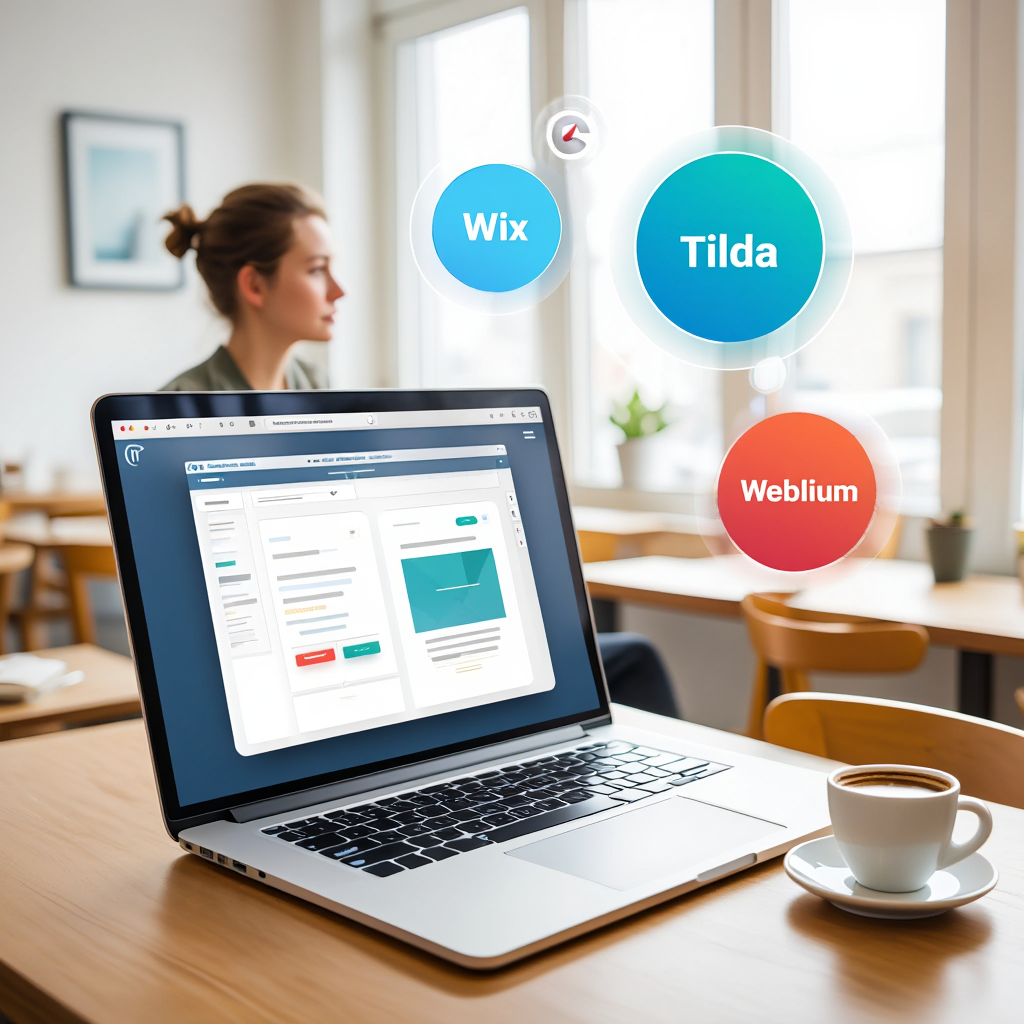
Before looking at each platform individually, it helps to see how they compare overall. Wix, Tilda, and Weblium stand out in 2026 for their usability. Each offers an answer to the question of where to create a website without upfront costs.
| Platform | Customization Level | Free Plan Limitations | Template Support | Best For |
|---|---|---|---|---|
| Wix | High | Ads, subdomain | Wide selection | Landing pages, portfolios |
| Tilda | Medium | 50 pages, 50 MB | Modern, clean | Blogs, presentations |
| Weblium | Medium | Ads, subdomain | Simple, fast | Small business, MVPs |
Interestingly, a survey in Toronto in 2022 found that 54% of freelancers chose Wix for its flexibility, while small companies leaned toward Weblium for speed of launch. This highlights that the answer to where you can create a website depends on your goals, not on popularity alone.
To visualize how these builders work in practice, watch this step-by-step tutorial on creating a free website without any hidden fees.
Tilda
Tilda is perfect for those who want simplicity without sacrificing professionalism. Its interface is intuitive and guides you through structuring your content. This makes it a good option for people searching how to create your own website without coding knowledge.
“Consistency transforms ordinary into extraordinary.” Said by Tony Robbins, motivational speaker and business coach, emphasizing discipline in content creation.
Rule 3: Regular updates and useful content matter more than premium features in the early stages.
Wix
Wix is designed for those who want full creative control. You can drag-and-drop elements, change structures, adjust colors, fonts, and layouts. It’s one of the most flexible answers to the question where to create a website for unique projects.
How to Create a Website on Wix: Step-by-Step Guide
Before you start building, understand that you don’t need to master everything at once. The process is gradual.
- Sign up for a free Wix account and choose ADI or manual editing.
- Pick a template that matches your project type.
- Replace placeholder text and images with your own content.
- Adjust layouts, colors, and fonts so the page reflects your brand.
- Preview the mobile version and refine for responsiveness.
- Add a call-to-action or contact form.
- Publish your free site and share it to collect feedback.
Weblium
Weblium focuses on minimalism and speed. It’s best for entrepreneurs who don’t want to overthink settings. If you’re wondering how to create a website independently and for free in the shortest time, Weblium is a strong choice.
McKinsey & Company research in 2020 showed that businesses implementing automation can experience a 20-35% increase in productivity, valuing optimization over customization (2020, McKinsey & Company).
What Kinds of Sites You Can Launch with No Budget
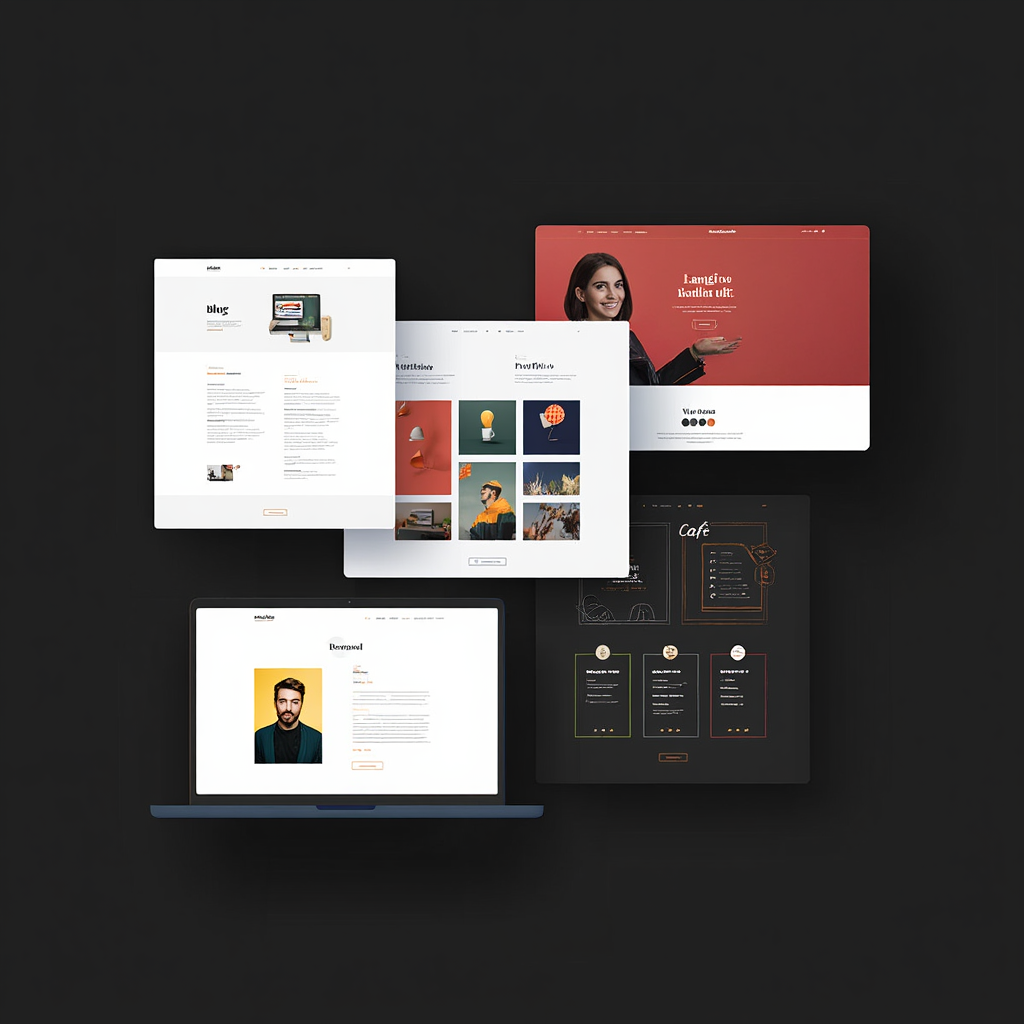
Creating a website doesn’t have to be a large investment project. Free tiers provide enough tools for many real-life scenarios. Depending on your goals, you can build blogs, portfolios, event pages, promo sites, and even educational platforms. The key is to match your idea with what the free plan offers. Knowing how to create a website independently and for free helps you experiment safely.
Personal blog or journal
A blog is a great way to test ideas and practice self-expression. If you’re searching where you can make a website to publish your thoughts, a free blogging platform is the best start. Even without design experience, you can create a site that highlights your stories, reviews, or reflections. Over time, the blog helps you develop consistency and a recognizable writing style. Readers don’t expect perfection at the beginning—they want honesty and personality. By posting regularly, you can see what resonates and adjust your content accordingly. Many successful authors, journalists, and coaches began with a small personal blog that cost nothing.
Online portfolio for creatives
Designers, photographers, and copywriters can show their best work on a portfolio website. Choosing where to create a website that supports image galleries, video embedding, and clean layouts is essential. A digital portfolio gives clients or employers instant access to your skills without needing to download files or open attachments. With free templates, you can create categories (e.g., “Branding projects,” “Photography shoots,” “Content campaigns”) and add contact details. Even on a subdomain, a polished portfolio site looks professional and builds credibility. A practical tip: always show fewer but stronger projects, and add short context for each—what problem you solved and what results you achieved.
Promo page for a product
Want to test demand for a new product or service? If you ask yourself where you can create a website quickly, a one-page landing page is the answer. Add clear photos, a simple description, pricing, and a “buy now” or “contact us” button. The goal here is not perfection but validation—does your idea attract interest? With free platforms, you can track basic statistics like visits and clicks. For example, a handmade jewelry seller might create a one-pager to test which collection generates the most inquiries. Once confirmed, they can scale to a full e-commerce site later.
Schedule page for teachers or coaches
Educators often wonder how to create your own website to display their availability and services. A simple free website can work as a digital calendar with time slots, prices, and contact options. This is especially useful for tutors, fitness instructors, or business coaches who want to save time on messaging. By sending clients a link to their schedule page, they answer the most common questions upfront. Even without payment integration, such a site becomes a professional tool that increases trust and reduces administrative workload.
Freelancer one-page profile
If you’re starting as a freelancer, knowing how to create a website independently and for free can give you instant visibility. Instead of relying only on marketplace profiles, you can present yourself on your own platform. A one-pager might include your skills, short bio, client testimonials, and a portfolio snippet. Free builders allow you to add a contact form or a direct email link, making communication easy. Recruiters and clients often appreciate freelancers who send a personal site link—it shows initiative and professionalism. This one simple step can put you ahead of competitors who rely only on CVs.
Mini-blog tied to social media
This format works well if you already have an Instagram, TikTok, or Telegram audience. Think carefully about where you can make a website that integrates well with these channels. The site can act as a hub: repost your most popular content, link to social networks, and share additional resources such as PDFs, videos, or checklists. By building a small mini-blog, you gain control over your content outside of social media algorithms. Many influencers use free builders to create so-called “link-in-bio” websites that not only list links but also showcase their brand identity.
Resume site with contacts
Professionals who wonder how to create your own website for career growth can easily use free templates to build a résumé site. Unlike a static PDF, this format allows you to add photos, video introductions, links to projects, and even a downloadable CV. Recruiters appreciate when all important information is accessible in one click. Moreover, updating a résumé site is easier—you can make edits anytime without resending files. Such a digital résumé helps candidates stand out, especially in creative or tech fields where employers value digital literacy.
Event landing page
Organizing a concert, meetup, or workshop? If you need where to create a website fast, a free landing page will do the job. Add the program, date, location, and a registration form. Free builders often integrate basic form tools, so attendees can leave names and emails for follow-up. Even for small events, such a site looks more professional than a social media post alone. Bonus: after the event, you can use the same page to share highlights, photos, or future announcements.
Menu page for cafés or delivery
Restaurants and cafés often ask where you can make a website that is simple yet functional. A free one-pager with a menu, contact information, and opening hours already improves customer communication. Adding photos of dishes makes the site attractive and memorable. For small family cafés or delivery-only services, this can replace printed menus and give them a digital presence without costs. Later, if orders grow, owners can add online ordering features on a paid plan.
Email signup landing page
This is a great way to build an audience before launching a product, blog, or online course. Here, the question where to create a website aligns with marketing strategy. A free signup page allows you to collect emails and start communicating with future subscribers. By offering a small incentive—like a free checklist or a discount—you increase conversions. Once the list grows, you can connect a mailing service for newsletters. Starting small with a free signup page saves resources and ensures you have an audience from day one.
Educational mini-projects
Many coaches and trainers look for how to create a website independently and for free to share lessons, tutorials, or recorded sessions. Free builders allow embedding YouTube videos, publishing text guides, and even integrating basic quizzes or forms. Such educational micro-sites are especially useful in niche areas—language learning, fitness routines, photography basics, or coding challenges. They provide value without requiring students to register on big platforms. Over time, creators can expand into full-fledged e-learning portals, but a mini-project is the best way to test demand.
Temporary campaign sites
Sales and promotions often don’t require a long-term website. Free builders answer the question where you can create a website for one-time campaigns. A simple page with a countdown timer, product description, and order form can attract leads quickly. This is widely used in marketing to test interest in new offers. For instance, a fashion brand might launch a temporary site for a seasonal collection. Once the promotion ends, the site can be deleted or repurposed—no extra cost.
Digital career portfolio
A digital portfolio solves the classic question of how to create your own website to present career achievements. Unlike a résumé, it shows actual projects, client feedback, and case studies. With free platforms, you can organize work samples by category, add testimonials, and include a contact form. Employers value seeing real results, not just descriptions. Even students and recent graduates can benefit: showcasing university projects or internships gives them an edge in competitive job markets. A digital career portfolio signals initiative and modern thinking—important qualities in 2026.
For those focusing on commercial goals, understanding how to create a website for business can provide tailored strategies beyond general platforms.
When You Need to Switch to Paid Hosting
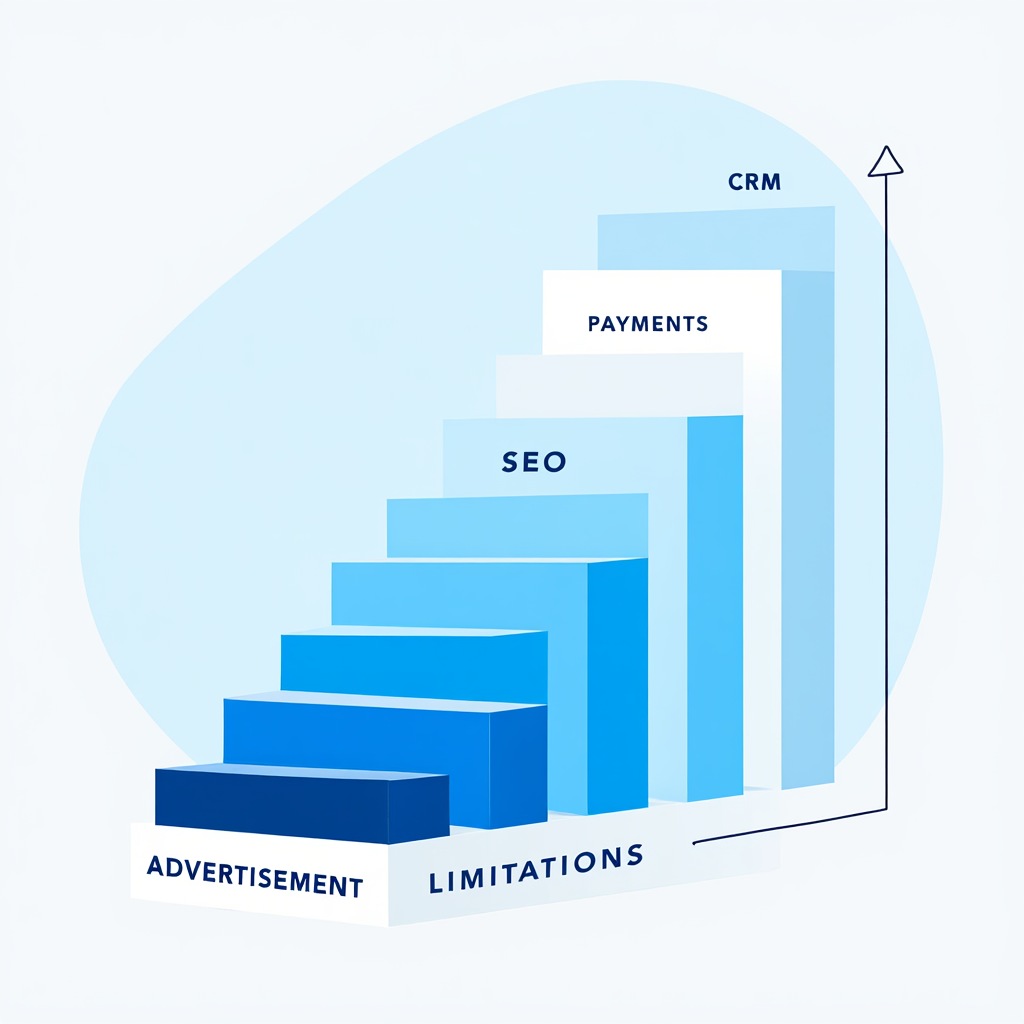
Starting with free tools is the first step. But eventually, you’ll face limitations. At this stage, the issue is not just where to create a website, but how to grow it.
It becomes logical to upgrade when:
- You need a custom domain
- You want to connect payments
- The site generates revenue
- Ads must be removed
- Hosting space runs out
- SEO or CRM tools are required
“Your website is your digital office. When it starts making money, it deserves professional rent,” noted Dr. Elena Cruz, professor of digital entrepreneurship.
FAQ: Common Questions About Creating Free Websites
How much does a simple website cost per year?
Expect $150-$400 annually for a basic site. This covers hosting, your domain name (around $20/year), and the builder’s subscription. E-commerce or advanced booking features will cost extra.
Do I have to buy my domain and hosting separately?
Not always. All-in-one builders like Squarespace or Wix bundle hosting into their monthly fee. For self-hosted WordPress, you must buy hosting from a separate company.
Can I move my website to another platform later?
Yes, but it is very difficult. Migrating from “closed” builders like Wix is a manual process. You often cannot export your site’s design or specific functions.
Will my website automatically show up on Google?
No. You must submit your site to Google for indexing, which can take days or weeks. To rank high, you need ongoing SEO work. This is not automatic.
Do I have to update my website after it’s live?
Yes. Regular maintenance is essential for security. This means updating software (especially on WordPress) and refreshing content. All-in-one builders handle tech updates, but you manage content.
Are you ready to start your online project but still wondering where to create a website? This article compares the top free platforms, explains their pros and cons, and gives you practical tips to build your site quickly without extra costs.
Building a website without spending money in 2026 is fully realistic. The first step is choosing where to create a website and defining your goals. There’s no universal solution—it depends on your idea, time, and willingness to learn.
Experiment, test, and don’t be afraid of mistakes. Learn how to create a website independently and for free, then gradually scale. Your first site is not just practice—it’s the foundation for future projects.
Would you like a compact guide with key tips and a comparison of the best free platforms? We’ve created a handy PDF brochure you can download and keep as a step-by-step resource.

Sources
- Research on small businesses efficiency: (2023, U.S. Chamber of Commerce). Small Business Data Center
- Survey on AI for flexibility: (2023, Goldman Sachs). 10,000 Small Businesses Voices
- Research on automation productivity: (2020, McKinsey & Company). The Future of Work After COVID-19
- Quote on design simplicity: Lindon Leader, 1997, Disruptor Awards
- Quote on consistency: Tony Robbins, 2010, Unlimited Power
- Other indicators (e.g., 71% small businesses with websites): (2024, Pew Research Center). A Look at Small Businesses in the U.S.