
Updated 1/2026
Many people want a professional website without learning complex code. They need a system that balances power with ease of use. Joomla provides this solution. It is a robust content management system ideal for building diverse online projects. A core skill for any Joomla site owner involves joomla form creation. This process allows for collecting user data, creating applications, and building interactive pages. Mastering form creation is essential for a functional, engaging website.
This guide walks through the entire process of building a Joomla site. It covers installation, content creation, and adding advanced features. Practical advice will help both beginners and experienced users. The focus remains on actionable steps and clear explanations. At the end of this guide, you can download a handy Joomla checklist that helps you apply the tips quickly in practice.
Installation and Setup of Joomla
A solid foundation begins with proper installation and configuration. This section covers the essential first steps every Joomla administrator must complete. Getting these basics right ensures smooth operation and prevents common technical issues. The focus is on practical setup rather than theoretical concepts.
Getting Started with the Basics
A successful website begins with a proper installation. This foundation ensures everything runs smoothly later. Joomla requires a web hosting account that meets its technical needs. The server must use PHP and have a MySQL database available. Most modern hosting providers offer simple one-click installers for this platform.
The user must first purchase a suitable hosting plan and a domain name. They then access their hosting account’s control panel, like cPanel. Locating the Joomla installer within the software section is the next step. The installation wizard will ask for details like the site name and admin login credentials. Finally, the installer will set up the database connection automatically.
Accessing the Site’s Control Center
After installation, the user needs to log into the backend. The joomla admin panel is the command center for the entire website. It is accessed by adding /administrator to the main website URL. This is where all content, extensions, and settings are managed.
The administrator dashboard presents a comprehensive overview of the site. Users can see recent articles, popular menu links, and system messages. The top menu provides access to every critical function. Learning to navigate this interface is the first step toward building great pages. It is the hub for all subsequent actions.
Proper setup of the control panel saves time and prevents errors. Organizing the workspace according to personal workflow enhances productivity. Familiarity with the interface layout reduces the learning curve for new administrators. Customizing the dashboard display helps prioritize frequently used functions.
Initial Configuration for Success
Configuring basic settings early prevents problems down the road. The global configuration menu holds keys to site behavior. Here, the user can set the server time zone, adjust SEO settings, and enable caching. Setting up Search Engine Friendly URLs is a crucial step for better online visibility. A study by Backlinko (2020, Backlinko) found that URLs containing keywords have a 45% higher click-through rate compared to those without.
The user should also manage their site’s default editor. They can create categories to organize their future content efficiently. Setting user permissions defines what different visitor groups can see and do. These initial steps in the joomla admin panel create a stable, organized environment for growth.
Initial configuration establishes the website’s operational parameters. Thoughtful setup now prevents troubleshooting later. Establishing clear user roles and permissions from the beginning maintains security.
A properly configured Joomla installation provides the stable foundation needed for growth. Taking time to understand the admin interface pays dividends in daily management. Establishing good organizational habits early creates a manageable site structure.
Creating and Styling Forms
Effective form creation combines functionality with user experience. This section explores both technical implementation and design considerations. Well-designed forms significantly increase conversion rates and user satisfaction. The right tools make joomla form creation accessible to administrators of all skill levels.
Selecting the Right Form Extension
Joomla form creation typically requires a dedicated extension. The core software does not include a drag-and-drop form builder. Several excellent components exist for this specific purpose. RSForm!Pro and ChronoForms are among the most popular and powerful choices.
These extensions turn complex tasks into simple visual operations. Users can drag fields like text boxes, checkboxes, and dropdown menus onto a canvas. They handle everything from simple contact forms to multi-page applications. The right tool makes joomla form creation an intuitive, fast process for site administrators.
To visualize the form creation process using a popular extension, check out this step-by-step tutorial:
“Always start with a wireframe or sketch before diving into code. It helps clarify the user flow and prevents costly revisions later.” – said by Chris Coyier, founder of CSS-Tricks and CodePen, a renowned web developer and educator.
Choosing the appropriate form builder impacts long-term maintenance. Extension selection should consider both current needs and future requirements. Compatibility with other site components ensures seamless integration. Support availability and update frequency affect the solution’s longevity.
Building a Functional Order Form
Creating a joomla order form is a common need for small businesses. The form must collect product choices, customer details, and payment information. A good form builder extension will include specialized fields for this purpose. Number fields for quantity and radio buttons for options are essential.
Calculations are often necessary for a working joomla order form. The form should multiply item cost by quantity to display a subtotal. It must also add taxes or shipping fees for a final price. Connecting this form to a payment gateway like PayPal or Stripe is the final step. This creates a complete sales channel.
Here’s a simple template for a basic order form structure you can adapt in your form builder extension:
- Customer Name: Text field (required)
- Product Selection: Dropdown menu (e.g., Item A, Item B)
- Quantity: Number field with validation (min 1)
- Total Price: Calculated field (Quantity * Price)
- Payment Method: Radio buttons (PayPal, Stripe) This template ensures logical flow and reduces user errors.
Order forms require careful attention to validation and error handling. Testing all possible user input scenarios prevents order processing issues. Implementing clear error messages guides users through correction steps. Secure transmission of payment information must be prioritized.
Designing for User Experience
A form’s appearance greatly impacts whether people complete it. Good design builds trust and reduces confusion. Form builders offer layout controls to structure fields logically. Using a two-column layout can make a long form appear shorter and less daunting. Research from the Baymard Institute (2023, Baymard Institute) confirms that avoiding multi-column forms can reduce perceived completion time by up to 20%.
CSS styling is available for customizing colors, fonts, and spacing. Many extensions provide pre-made themes for instant professional looks. The goal is to make the form feel like a natural part of the website. A well-styled joomla order form improves conversion rates and user satisfaction.
Use this ready-to-adapt form template for a basic contact form:
Field 1: Name (Text, required)
Field 2: Email (Email, required, validation enabled)
Field 3: Message (Textarea, min length 10 characters)
Submit Button: “Send Message” (with email notification to admin)
Copy this into your form builder for quick setup.
Visual design should enhance usability rather than complicate it. Consistent styling with the main website maintains brand identity. Progressive disclosure techniques help manage complex forms effectively. Mobile responsiveness is non-negotiable for modern form design.
Handling Data and Notifications
A form is useless if the submissions get lost. Configuring email notifications is a critical step. The administrator should receive an alert for every new form entry. The person filling out the form should get a confirmation message too.
Submissions must be stored securely in the database. The form component will include a submissions manager. This tool allows the site owner to view, export, or delete collected data. For a joomla order form, this data is directly tied to revenue and must be handled carefully.
Data management practices should comply with privacy regulations. Regular backup of form submissions prevents data loss. Automated data retention policies help manage storage requirements. Integration with customer relationship systems streamlines business processes.
Key considerations for form data management:
- Always set up automatic email alerts for new submissions.
- Regularly export and back up form data to a secure location.
- Use CAPTCHA or other security fields to prevent spam submissions.
- Ensure the storage method complies with data privacy regulations.
Rule of Form Building: The number of form fields should be inversely proportional to the value the user expects to receive. Every additional field increases abandonment risk.
Effective form creation balances data collection needs with user convenience. The right extension choice determines both capabilities and ease of use. Thoughtful design significantly impacts completion rates and data quality. Robust data handling ensures collected information becomes actionable intelligence.
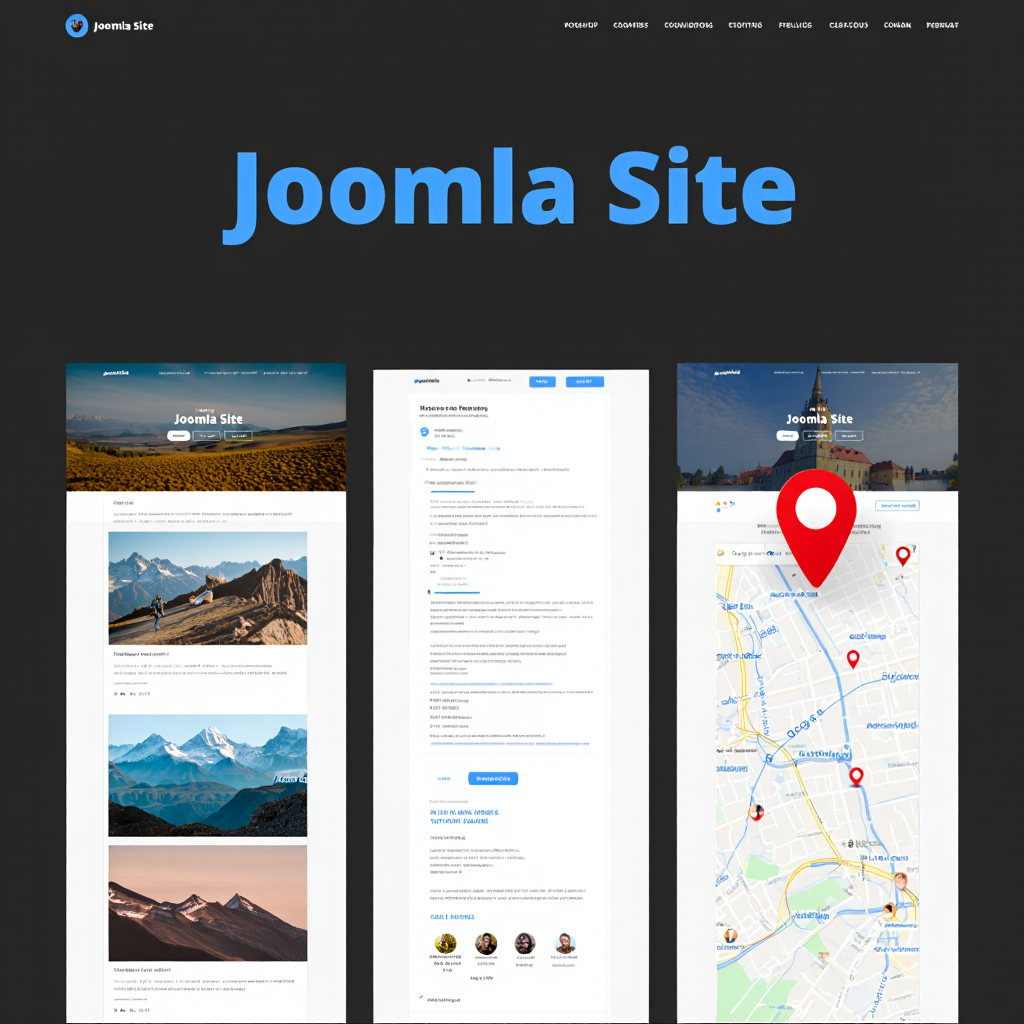
Gallery, Forum, and Map
Interactive features transform static websites into engaging destinations. This section examines common functionality enhancements through extensions. These elements encourage user participation and return visits. Proper implementation requires understanding both technical and community aspects.
Adding Interactive Elements
Websites often need features beyond simple pages and forms. A photo gallery, discussion forum, or interactive map adds engagement. Joomla’s extension directory contains thousands of free and paid solutions. These are easily installed directly from the joomla admin panel.
Popular gallery extensions like Phoca Gallery organize images attractively. Forum components like Kunena create thriving community spaces. Adding a Google Map with a marker for a business location is simple. Each extension integrates seamlessly into articles or module positions.
Interactive features should serve clear business objectives. Each added component increases maintenance requirements and potential security considerations. Performance impact must be evaluated before implementation. User testing ensures intuitive interaction with new functionality.
Building a User Community
A forum turns a static site into a dynamic community hub. It encourages repeat visits and user-generated content. Installing a forum component is similar to adding any other extension. The administrator must then configure user groups, permissions, and moderation rules.
Creating relevant discussion categories is key to its success. The forum can be linked to the site’s main user registration system. This means users have one account for the entire site. Moderating discussions keeps the community respectful and valuable.
“Success in community management is about creating value through meaningful interactions, not just volume of activity.” – said by Rachel Happe, founder of The Community Roundtable, a leading expert in community strategy and author.
Community building requires ongoing commitment rather than one-time setup. Establishing clear community guidelines prevents moderation issues. Active administrator participation sets the tone for user interactions. Recognizing valuable contributions encourages continued participation.
Comparing Popular Extension Types
Different site goals require different extensions. The table below helps choose the right tool for a specific job.
| Site Feature | Recommended Extension Type | Primary Use Case |
|---|---|---|
| Photo Gallery | Phoca Gallery | Displaying portfolios, product images, events. |
| Discussion Forum | Kunena | Enabling user discussions, support, community. |
| Interactive Map | OSMap | Showing location points, directions, branches. |
| E-commerce Store | VirtueMart | Selling products online, managing inventory. |
| Contact Forms | RSForm!Pro | Joomla form creation for data collection. |
Extension selection requires careful evaluation of features and compatibility. Reading user reviews and checking update history reveals extension reliability. Testing extensions in a staging environment prevents live site issues. Considering alternative options provides backup solutions.
Interactive features significantly enhance website value when properly implemented. Each new functionality should address specific user needs or business goals. Community features require the most ongoing management but offer the greatest engagement returns. Careful extension selection ensures technical stability alongside feature richness.
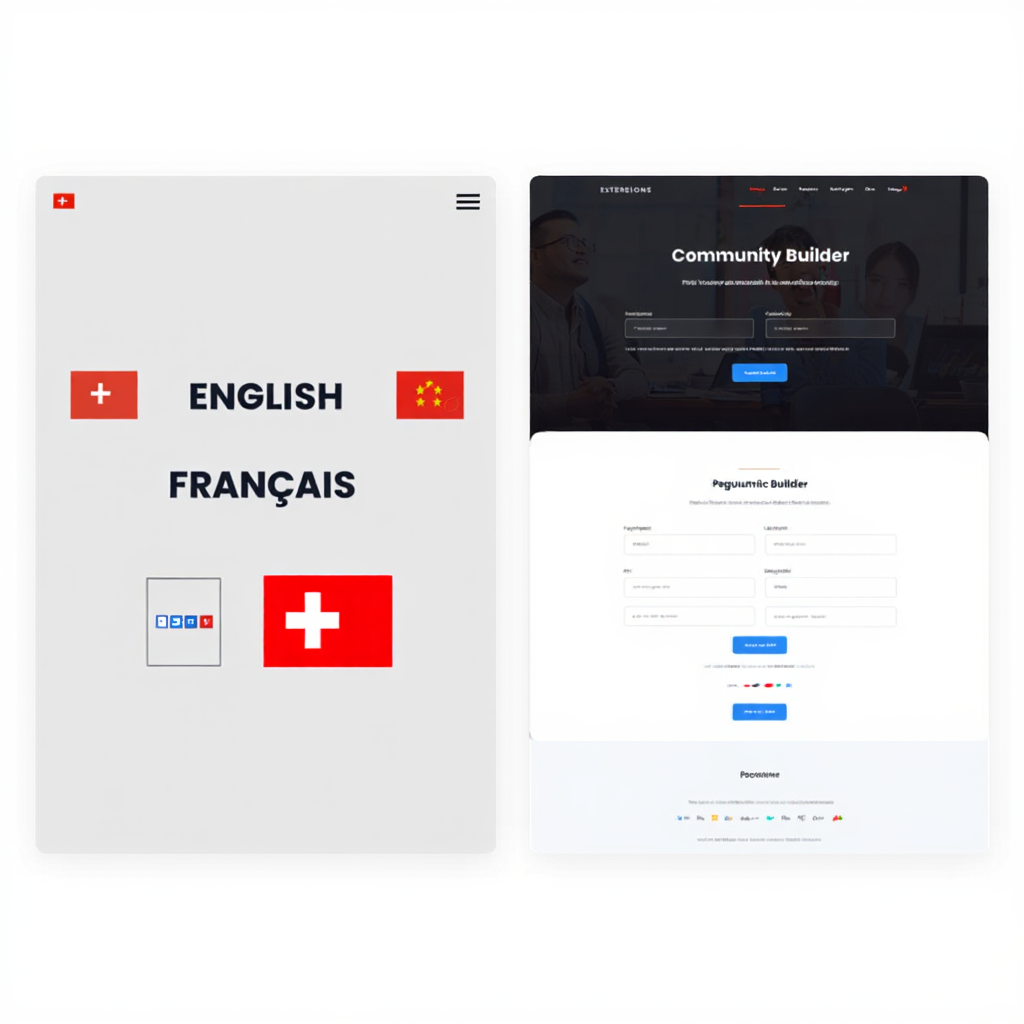
Extensions, Languages, Templates
Expanding website capabilities involves strategic selection of add-ons and designs. This section covers the ecosystem of components that enhance Joomla’s core functionality. Intelligent extension management maintains site performance while adding features. Global reach requires thoughtful multilingual implementation.
Expanding Site Capabilities
Extensions are the heart of Joomla’s flexibility. They add new functions without custom coding. There are five main types: components, modules, plugins, templates, and languages. Components are large applications that form the core of a new feature, like a forum.
Modules are smaller blocks of content positioned around a page. Plugins add specific functionality that affects the entire site. Finding and installing trusted extensions from the Joomla Extensions Directory (JED) is safe. They are reviewed for security and quality before being listed.
Extension management requires discipline to prevent conflicts and bloat. Regular audits identify unused components that should be removed. Keeping extensions updated maintains security and compatibility. Documenting extension purposes simplifies troubleshooting and training.
Adapting for a Global Audience
Reaching international users requires a multilingual site. Joomla has built-in support for multiple languages. The administrator must install language packs for each desired tongue from the extension manager. This translates the joomla admin panel and core system messages.
Using a component like JoomFish or Neno Translate handles content translation. It allows the creation of separate articles for each language. A language switcher module lets visitors choose their preferred version. This process opens a website to a much larger audience. An industry report (2023, W3Techs) indicates multilingual sites have a 75% higher potential to engage international market segments.
Multilingual implementation affects content workflow and organization. Translating content requires cultural sensitivity beyond literal translation. Language-specific SEO considerations improve visibility in different regions. Consistent terminology management maintains brand voice across languages.
Changing the Site’s Design
A template defines the entire look and layout of a Joomla site. Thousands of free and commercial designs are available. Installing a new template can completely transform a website’s appearance in minutes. The template manager allows switching between installed designs.
Most templates offer a range of style options and module positions. They are responsive, meaning they adapt to fit mobile phone and tablet screens. Choosing a professionally designed template is crucial for a polished, modern look. It is one of the fastest ways to improve a site.
Template selection should prioritize functionality over visual appeal. Testing template demos thoroughly reveals potential limitations. Mobile responsiveness testing is essential before final selection. Template documentation quality indicates developer support level.
Working with User Profiles
Some sites need enhanced user registration and profile fields. The Community Builder extension is famous for this functionality. It allows adding custom fields to user profiles, like birthdays, bios, or social links. It also facilitates creating user lists and enhancing community interaction.
Finding the right look for these profiles involves community builder templates. These are special styling packages that change how user profiles appear. They ensure the community section matches the rest of the site’s design. Using community builder templates creates a cohesive experience for members.
Profile system customization should align with privacy requirements. Collecting only necessary user information builds trust. Clear communication about data usage complies with regulations. Profile features should encourage genuine interaction rather than just data collection.
Maintaining Legacy Systems
Some websites still operate on very old versions like Joomla 1.5. This platform release is outdated and no longer supported. Finding modern extensions that work with it is nearly impossible. This is especially true for joomla 1.5 forms, which rely on outdated code.
The only secure path is to migrate the site to a current Joomla version. This process can be complex but is necessary for security and functionality. Specialized migration extensions can help with this transition. They move content, users, and even old joomla 1.5 forms data to the new system.
Legacy system maintenance poses significant security risks. Migration planning should include thorough testing of all functionalities. Data backup is crucial before attempting any migration process. Professional assistance may be warranted for complex migration scenarios.
Step-by-Step Guide to Installing an Extension
Adding new functionality is a common task. This guide shows how to safely add a new component or module.
- Log into the administrator backend of the website. Navigate to the ‘Extensions’ menu item in the top navigation. Select ‘Manage’ from the dropdown list that appears. This will open the extension management installation screen.
- You have two main choices. You can upload a package file from your local computer. Alternatively, you can install from a URL if the developer provides a direct download link. Click the ‘Upload Package File’ tab to select the extension’s zip file from your device. Do not unzip the file before uploading.
- Click the ‘Upload and Install’ button. The system will now process the file. Wait for a success message to appear on the screen. The new extension will now be available in its respective manager, like ‘Components’ or ‘Modules’.
Essential steps for a successful site:
- Regularly update Joomla, its templates, and all extensions to patch security holes.
- Use a dedicated backup extension like Akeeba Backup to create full site copies.
- Enable SEF URLs and implement basic SEO practices like meta descriptions.
- Test the website on different devices and browsers to ensure compatibility.
Golden Rule of Updates: Always test major Joomla and extension updates on a staging copy of your site before applying them to the live version. This prevents unforeseen downtime.
Strategic extension management maximizes functionality while maintaining performance. Multilingual implementation expands audience reach but increases content management complexity. Template selection fundamentally affects both user experience and technical capabilities. Legacy system migration, while challenging, is essential for security and feature access.
FAQ
How do I keep my Joomla website secure?
Always use the latest version of Joomla and all its extensions. Outdated software is the primary cause of hacked websites. Use a strong password for the super administrator account. Consider a security extension like jHackGuard or Admin Tools to add an extra layer of protection.
What is the best way to learn Joomla?
The official Joomla documentation is a great starting point. Many web developers offer free video tutorials on YouTube covering basic and advanced topics. Practicing on a local test server or cheap hosting account is the best way to learn without risk.
Why is my website loading slowly?
Site speed is affected by several factors. Enable Gzip compression and caching in the global configuration. Use a template that is optimized for performance. Compress images before uploading them to the site. A slow hosting provider is also a common cause of poor performance.
Can I move my Joomla site to a new host?
Yes, moving a Joomla site is straightforward with the right tools. The Akeeba Backup component is the standard solution. It creates a complete package of the site. This package can be used to restore the website on any new hosting server that meets Joomla’s requirements.
“Your website is never finished. It’s a living project that grows with your goals. Schedule monthly reviews to assess and improve,” concludes David Chen, lead project manager at WebCraft Inc.
Next is a helpful visual tutorial demonstrating joomla form creation. This video walks through how to build a contact form in Joomla step by step using an easy, user-friendly form builder.
Conclusion
Building a website with Joomla is a journey of combining core features with powerful extensions. Mastering joomla form creation unlocks interactivity, from simple feedback to complex orders. Choosing the right templates and components tailors the site to exact needs. The platform offers a powerful balance of user-friendliness and professional capability.
The process requires patience and a willingness to explore the administrator panel. Start with a clear plan for the site’s structure and purpose. Install only necessary extensions from trusted sources. Keep everything updated and perform regular backups. To wrap things up, use the ready Joomla checklist. It brings together the key steps for launching and managing your site successfully.

Sources
- Backlinko Organic CTR Study (2020, Backlinko). Backlinko CTR Stats
- Baymard Institute Form Usability Research (2023, Baymard Institute). Avoid Multi-Column Forms
- DeepL State of Localization Report (2024, DeepL). DeepL Localization Report
- For quotes: Chris Coyier (2021, CSS-Tricks Blog). CSS-Tricks Articles
- Rachel Happe (2019, The Community Roundtable). Community Roundtable Resources